Supplier delivery confirmations
Stop chasing suppliers for delivery dates.
Upload outstanding POs, share supplier-specific links through your own email and track delivery-date responses against each PO line.
Get startedWorks alongside your existing purchasing system.
How it works
Upload your purchase orders
Upload a CSV of outstanding POs and review the lines before importing.
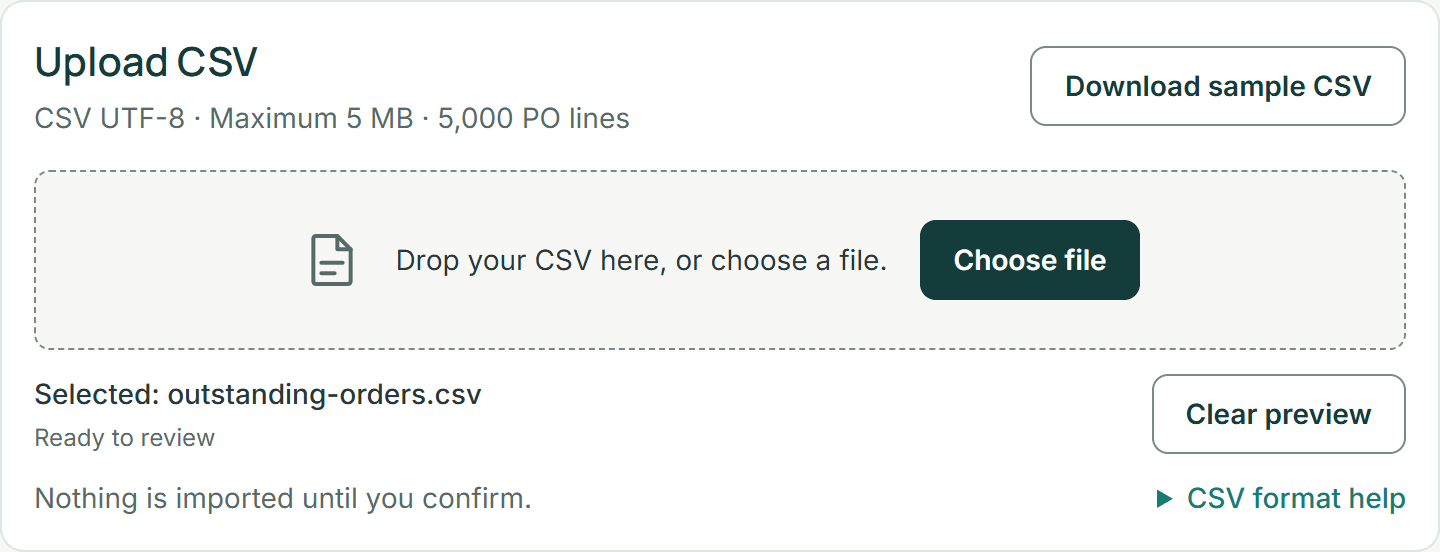
CSV import · Fictional demonstration data Share supplier confirmation links
Generate a supplier-specific link and send it through your own email.
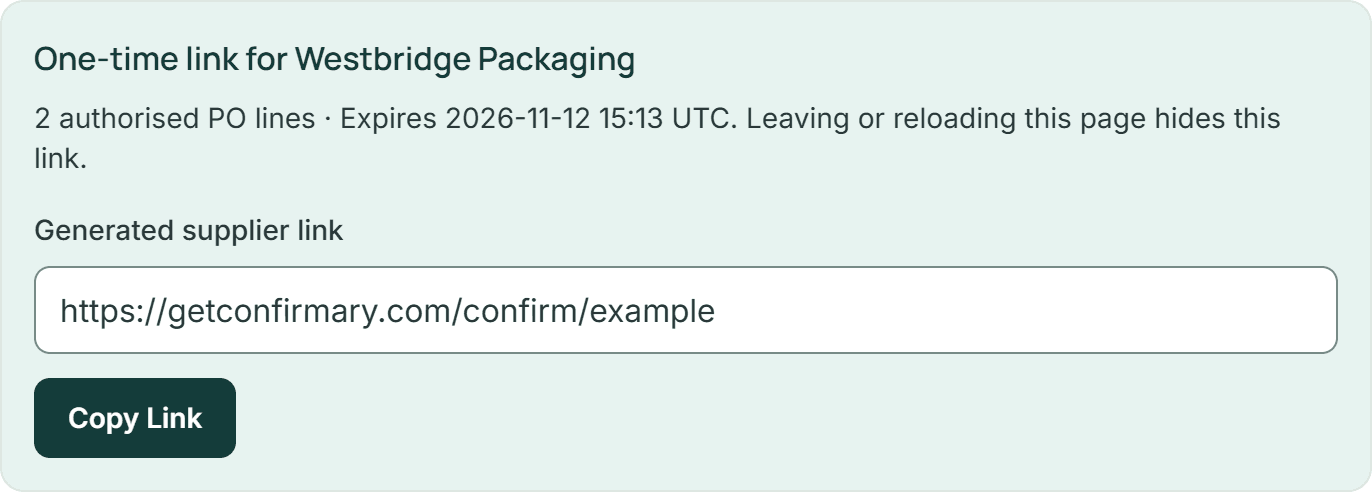
Supplier link · Fictional data and nonfunctional example address Track delivery confirmations
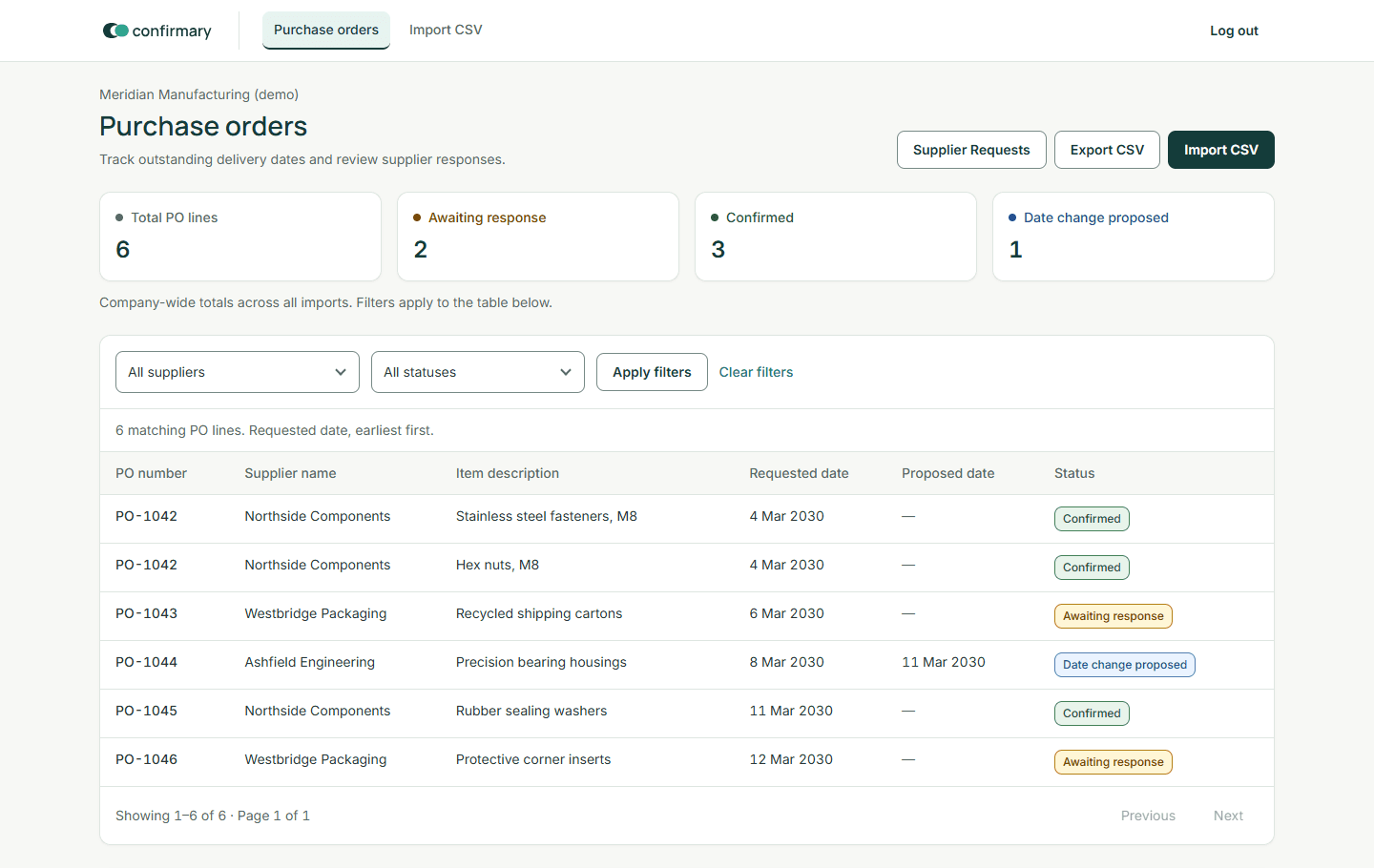
Suppliers confirm or propose dates without an account. Submitted responses are recorded automatically against each PO line.
Review statuses in the dashboard and export results to CSV.
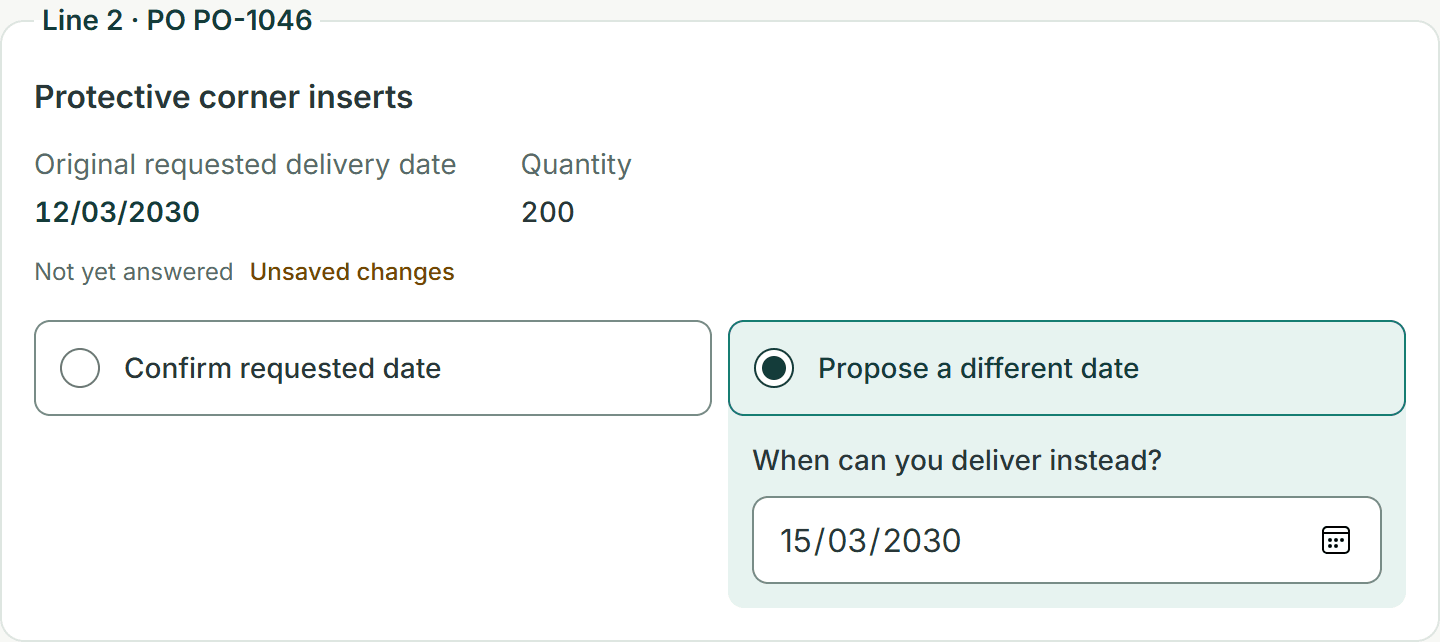
Supplier response · Fictional demonstration data


Stop manually tracking supplier delivery dates.
Collect structured confirmations against your purchase orders, without copying replies into spreadsheets.
You still send the links and follow up with suppliers who haven’t responded.
| Manual process | With Confirmary |
|---|---|
| Email suppliers to ask for delivery dates | Email supplier-specific confirmation links |
| Read unstructured email replies | Collect date confirmations or proposed dates against each PO line |
| Copy responses into spreadsheet rows | Submitted responses recorded automatically against PO lines |
| Compare original and revised dates manually | Review requested and proposed dates separately |
| Prepare an updated spreadsheet | Export statuses and delivery dates to CSV |
No additional supplier accounts. CSV imports and exports fit alongside your existing workflow.
Frequently asked questions
Do my suppliers need to create an account?
No. Suppliers open their individual link to confirm a delivery date or propose an alternative.
Does Confirmary email suppliers for me?
No. You send the links through your own email and follow up if needed. Confirmary records submitted responses against PO lines.
Do I need to replace my current purchasing software?
No. Confirmary works alongside your existing workflow through CSV imports and exports.
What happens when a supplier proposes another date?
The proposed date appears separately from the original requested date, so you can identify changes. A proposal is not automatically approved.
Your purchase orders. Your suppliers. One place for every response.
Upload your outstanding orders and collect delivery-date confirmations without changing your existing purchasing system.
Get started